Introducing the Cribl Search App for Splunk
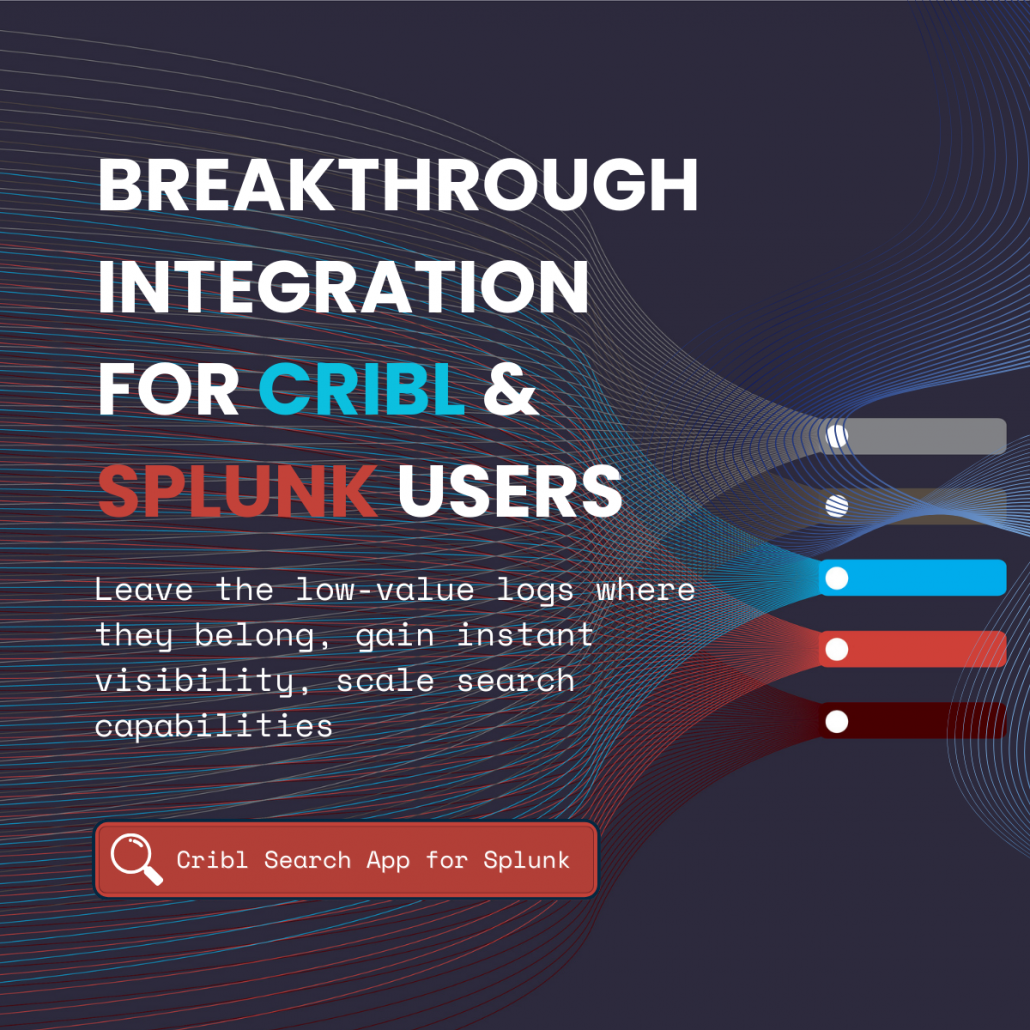
We’re excited to announce the public availability of our Cribl Search App for Splunk, an integration that lets you query data via Cribl Search—directly from the Splunk search interface.
Whether you’re hunting for threats in long-term archives or reporting on a high-volume API that may not be indexed, this app allows you to bring the results back into Splunk as standard events without the requirement to index. No more switching tabs; no need for “rehydration” of data from Cribl to be able to use it in Splunk searches.
The Cribl Search App for Splunk introduces a custom generating command, | criblsearch, to your Splunk environment. It sends your Cribl Query request to Cribl Search and streams the results back into your Splunk search pipeline.
Once the data hits Splunk, you can treat it just like any other event in SPL. You can pipe it into stats, eval, outputlookup, use on your favourite dashboards, or write it to an index with collect.
Core Features
- Multi-Endpoint Control: Search multiple Cribl Search environments.
- Enterprise Auth: Authenticates to Cribl Cloud using OAuth and securely stores Credentials using Splunk Secure Credential storage
- Any Splunk compatible: Built to meet Splunk Cloud app vetting standards for seamless installation in both on-prem and cloud Splunk environments.
Cribl Search: A Primer
Cribl search allows you to search data where it lives. It can search data from many sources including: Cribl Lake, Cribl Edge, Amazon Security Lake, Amazon S3, Azure Blob Storage, Azure Data Explorer, Google Cloud Storage, Elasticsearch, Opensearch, Prometheus, Snowflake, ClickHouse, and data from quite a few APIs (AWS, Azure, GCP, Google Workspace, Microsoft Graph, Okta, Tailscale, Zoom, and a Generic http API data source provider that allows you to search ones not already covered)
The benefits of Cribl Search are:
- Slash Costs: Access “low-value” logs in cheap object storage (S3). Search them only when you need them.
- Instant Visibility: Access logs where they reside, no requirement to move or store them elsewhere.
- Zero Infrastructure Bloat: Scale your search capabilities without adding more hardware.
Cribl Search documentation can be found here.
Example Use Cases
1. Incident Response: Finding the initial compromise from long-term storage
The Challenge: An alert triggers today, but the compromise started 45 days ago. Data in Splunk is set to age out at 30 days, so those logs were moved to cold storage.
The Solution: Pivot instantly to your S3 archive using Cribl Search directly in Splunk:
| criblsearch query="dataset:'firewall_archive' latest=-30d src_ip=='192.0.2.50' dest_ip=='27.133.154.218'"| stats count by action, dst_port| where action!="Blocked"
Impact: Get your full forensic timeline in a few minutes, not hours of manual data recovery, and no need to go into Cribl to set up a rehydration job for these events to be available.
2. High-Volume, Low-Value Logs
The Challenge: Your API generates 5TB of “200 OK” logs daily. Indexing them may not be valuable, but you need them for monthly compliance reports.
The Solution: Run the audit search across your data lake using Cribl Search and bring only the summary data needed for the report back to Splunk:
| criblsearch query="dataset:'api_logs' | where response_time > 5000 | summarize avg(response_time) AS avg_latency by endpoint" | table avg_latency endpoint
| outputlookup monthly_api_report.csv
Impact: 100% visibility for 0% additional indexing cost.
3. Cross-Cloud Correlation (The “Power Join”)
The Challenge: You suspect a credential spray attack hitting both AWS and Azure, but the logs live elsewhere.
The Solution: Use Splunk to join results from the two datasets accessible via Cribl Search:
| criblsearch query="dataset:'aws_cloudtrail' event=='ConsoleLogin'"
| rename sourceIPAddress AS src_ip, userIdentity.principalId AS user
| append [
    | criblsearch query="dataset:'azure_audit' event=='SignInActivity'"
    | rename ipAddress AS src_ip, userPrincipalName AS user
  ]
| stats count values(user) by source_ip
| where count > 5
Impact: Multi-cloud threat hunting from a single search bar.
Get Started
- Install: Download the Cribl Search App for Splunk from Github. Install the app to your Splunk Search Head or Search Head Cluster.
- Connect: Enter your Cribl Cloud credentials on the configuration page
- Search: Start your first query with
| criblsearch query="..."and see your data lake come to life.
Are you ready to unlock your data?